
What Is a CRM
A CRM (Customer Relationship Management) is software where your company stores and organizes everything that happens with each customer and prospect: who they are, how they contacted you, what you offered them, what stage of the sale they're in, and when it's time to follow up.
Put more simply: it's your company's commercial memory in one place. Instead of having contacts scattered across a salesperson's WhatsApp, an Excel sheet only one person understands, and the director's head, everything lives in a system anyone on the team can access.
That's the key difference. An address book or a spreadsheet stores data. A CRM stores relationships over time and tells you what to do with them.
What a CRM Is For
A CRM isn't a tech luxury. It solves concrete problems that cost money:
- So follow-ups don't slip. The CRM reminds you who to call today. Without it, opportunities go cold because nobody touched them again.
- So you don't depend on one person. If a salesperson quits, their prospects and conversation history stay with the company instead of leaving with them.
- So you know where you stand. The director can see in minutes how many open opportunities there are, what they're worth, and which are about to close.
- So effort isn't duplicated. Two reps won't contact the same customer without knowing it.
- So decisions are based on data. You know which channel, campaign, or rep generates the most sales -- not just gut feeling.
In short: a CRM turns an improvised sales operation into a process you can measure, repeat, and improve.
How a CRM Works
While each tool has its own interface, almost every CRM follows the same logic:
- A contact comes in. A prospect fills out a form on your site, messages you on WhatsApp, or you load them manually. The CRM creates a record with their details.
- It gets assigned. The system (or you) assigns the prospect to a responsible salesperson.
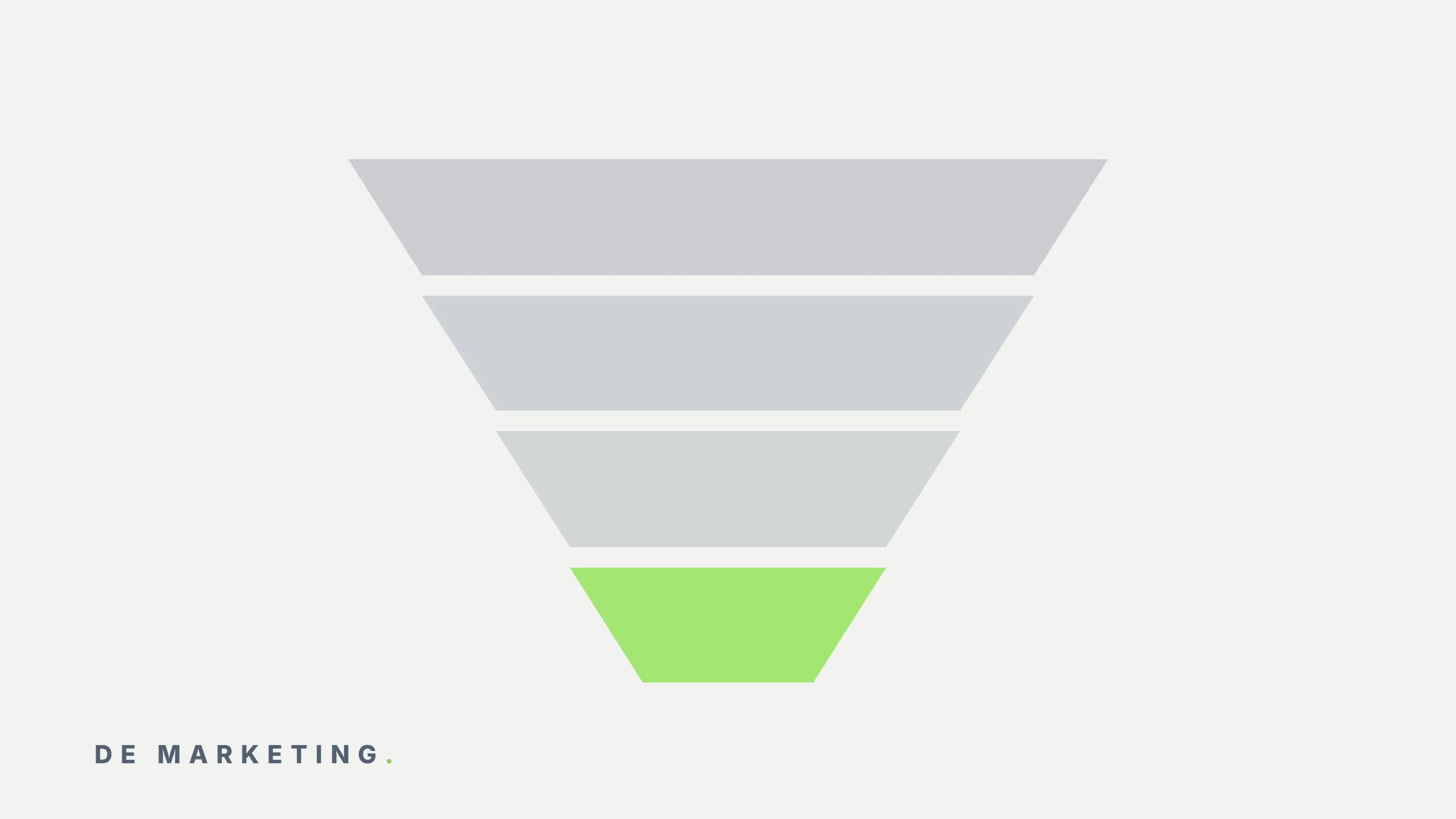
- It moves through the pipeline. The pipeline is the visual funnel of your sales process: "New," "Contacted," "Proposal Sent," "Negotiation," "Closed." The prospect moves from stage to stage as the conversation progresses.
- Every interaction is logged. Calls, emails, messages, and notes are saved in the contact's record. Anyone who opens it understands the full context.
- The CRM automates reminders and tasks. It tells you when to follow up, sends automated emails, or moves the deal on its own when something happens.
- Reports are generated. In the end you have numbers: how many leads came in, how many converted, what the pipeline is worth, and where deals get stuck.
That flow -- capture, assign, advance, log, automate, measure -- is the heart of any CRM, from the simplest to the most robust.
Types of CRM
Not all CRMs serve the same purpose. It helps to distinguish them along two axes.
By primary function
| Type | What it does | Best for |
|---|---|---|
| Operational | Automates sales, marketing, and service: pipelines, follow-ups, tasks | Sales teams that need day-to-day order |
| Analytical | Analyzes data to understand customers and predict behavior | Companies with data volume that want to decide better |
| Collaborative | Shares customer info across teams (sales, support, marketing) | Organizations where several teams touch the same customer |
Most modern CRMs combine all three functions to varying degrees.
By model and size
- Cloud CRM (SaaS): you pay a monthly subscription and access it from the browser. It's the most common option today because it needs no infrastructure or maintenance of your own.
- On-premise CRM: installed on the company's own servers. It offers more control but involves IT costs. Increasingly rare except in large companies with specific requirements.
- SMB CRM vs. enterprise CRM: the former prioritize simplicity and price; the latter, customization, integrations, and advanced controls.
Benefits of Using a CRM
When a CRM is implemented well, the return shows up in measurable ways:
- More deals closed because no prospect goes without follow-up.
- Shorter sales cycles because everyone knows the next step.
- Better forecasting so you know how much you'll bill next month.
- Faster onboarding for new salespeople: they read the history and understand the book of business without depending on anyone.
- Marketing and sales aligned when the CRM connects the lead's origin to the sales outcome.
The biggest benefit isn't a specific feature: it's no longer operating blind.
Signs Your Company Needs a CRM
Not every company needs a CRM on day one. But if you identify with two or more of these signs, you already do:
- You have contacts spread across several WhatsApp accounts, Excel files, and inboxes, and nobody has the full picture.
- A salesperson left and took (or you lost) their prospects.
- The director asks "how are we doing this month?" and nobody can answer on the spot.
- Opportunities go cold because nobody followed up in time.
- You don't know where your best customers come from or which campaign brought them.
We cover this in depth in when to ditch WhatsApp and Excel for B2B sales, where we explain the exact breaking point.
How to Choose a CRM
Choosing a CRM isn't about picking the one with the most features. It's about picking the one your team will actually use. Let this guide you:
- Start with your process, not the tool. Map your current sales funnel. The CRM should adapt to it, not the other way around.
- Prioritize adoption. A simple CRM the team actually uses is worth more than a powerful one they abandon in three weeks.
- Check the integrations you need. WhatsApp? Your web form? Billing? Google Ads? Verify it connects with what you already use.
- Mind your market's primary channel. In Mexico and much of Latin America, WhatsApp is where the sale happens, so prioritize CRMs with native WhatsApp integration.
- Think total cost, not just the subscription. Add implementation, training, and the team's time. A cheap CRM implemented badly is the most expensive one.
- Demand clear reports. If you can't see the pipeline's status at a glance, the tool isn't doing its job.
Examples of CRMs Used in Mexico
These are some of the CRMs we most often see in operation in the Mexican market:
- Kommo (formerly amoCRM): strong WhatsApp Business integration. Ideal for SMBs where the sale happens over chat. Visual pipeline and accessible pricing.
- HubSpot: very complete, combining CRM, marketing, and sales. Has a free tier to start and scales well, though advanced plans get pricey.
- Zoho CRM: good feature-to-price ratio, widely used by SMBs that want customization without high costs.
- Pipedrive: simple and focused on the sales pipeline. Easy to adopt for small sales teams.
- Salesforce: the corporate standard. Enormous customization and integration capacity, built for large companies with an IT budget.
- GoHighLevel: combines CRM with marketing automation, landing pages, and forms on a single platform.
There's no universal "best CRM." The best one is the one that fits your process, your channel, and the size of your team.
A CRM Is Part of a System, Not an Island
The most common mistake isn't picking the wrong tool: it's treating it as an end in itself. A CRM without marketing data is a digital address book. Its real power appears when you connect the lead's origin to the sales outcome -- which campaign brought the customer that closed for how much -- and when the team understands what they gain from using it every day.
That's why implementation matters as much as selection. Configuring the pipeline, migrating data, training the team, and connecting the CRM to your campaigns is what separates a CRM that drives revenue from one that gets abandoned.
At De Marketing we implement and operate the CRM as part of a complete demand-generation system. Explore our CRM implementation and management service or schedule a diagnostic to evaluate your current situation.
Related services
Want to implement this in your company?
Book a free diagnostic and we'll show you how to apply this to your operation.
Book a Diagnostic